Voice dictation for radiologists 100% offline
Interpret your MRIs, CT scans, and X-rays without touching the keyboard. The ideal companion for your diagnostic console.
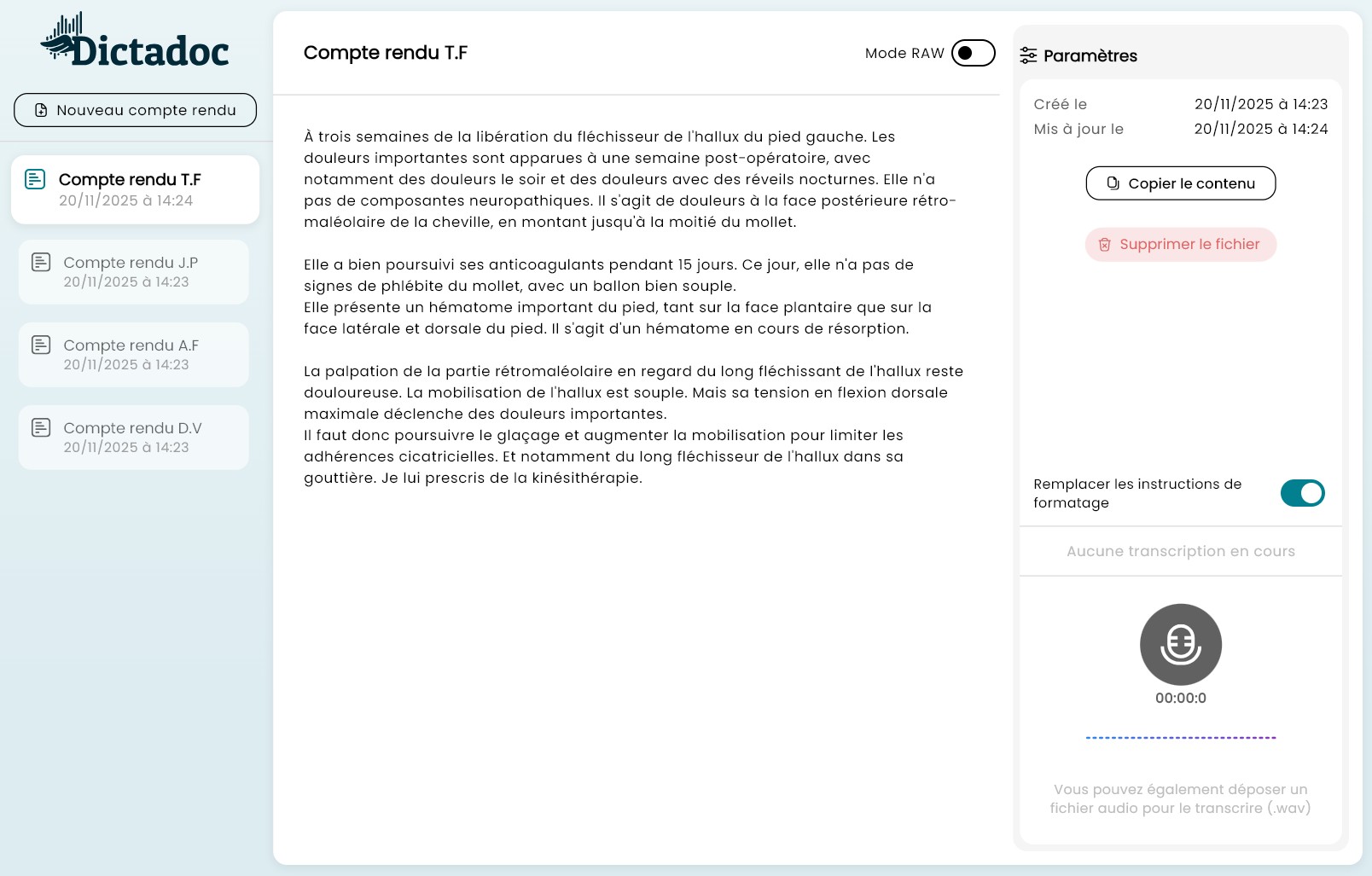
Why is Dictadoc ideal for your specialty?
-
Targeted time savings
Stop wasting time correcting standard speech recognition errors.
-
Expert vocabulary
Expert radiological vocabulary (cross-sectional anatomy, MRI sequences).
-
Total security
No patient data leaves your computer. GDPR compliant and medical confidentiality. The application does not need internet to function.
Transparent Pricing
No hidden fees, no cost per minute, no nasty surprises. Just an affordable annual license to let you work with peace of mind.
- No commitment and no automatic renewal.
- Software updates included and free
Annual License
- Unlimited dictation access
- Compatible Windows & MacOS
- 100% Local Processing
License purchase is done directly via our partner Stripe. You will receive an email containing an activation code to enter into Dictadoc.
The 1-year access to Dictadoc begins upon activation.
Important Information and Frequently Asked Questions
Does the text appear in real-time as I speak?
No, and this is a deliberate technological choice to guarantee superior medical precision. Instant dictation "guesses" words as you go, which often creates context errors. By processing the recording once validated, Dictadoc analyzes full portions of your sentence to understand the global clinical meaning and transcribe complex terms.
Does the app comply with GDPR?
Absolutely. Dictadoc was designed with "Privacy by Design". No audio data or text is sent over the internet. All processing takes place on your computer's processor.
Do I need a specific microphone?
It is preferable to have a good quality external microphone if you use Dictadoc during consultation. However, microphones built into recent MacBooks and laptops work very well.
Does the software learn from my voice?
Dictadoc is "ready to use". It does not need a tedious learning phase and recognizes different accents and medical terminology from the very first use.
Can I use it on multiple computers?
The license is linked to a single installation. To use Dictadoc on multiple computers, you will need multiple independent licenses. Please note, licenses cannot be transferred between computers. Once activated, the license key is stored locally on your computer and cannot be moved.
Do I need a powerful computer for transcription to be fast?
Since Dictadoc works 100% locally for your security, speed depends on your hardware:
- On Mac: The experience is optimal on models equipped with Apple Silicon chips (M1, M2, M3...). Thanks to their dedicated neural engines, transcription is very fast.
- On Windows: If you have a dedicated graphics card (NVIDIA) with CUDA, processing will be fast. On a standard desktop PC (without a graphics card), the software will use the main processor (CPU): this works perfectly, but processing will be much slower once recording is finished. The absence of a graphics card increases generation time by 10 to 20x.