 Français
 English
 Deutsch
 Italiano
 Español
Runs on
Medical voice dictation on a Mac
Dictadoc is a universal application that runs natively on macOS. No Windows virtual machine and no cloud: the transcription happens on your Mac.
- MacBook Air
- MacBook Pro
- iMac
- Mac Studio
- Intel Macs
€19.99 a year, with no automatic renewal.
The answer
A native application, not a virtual machine
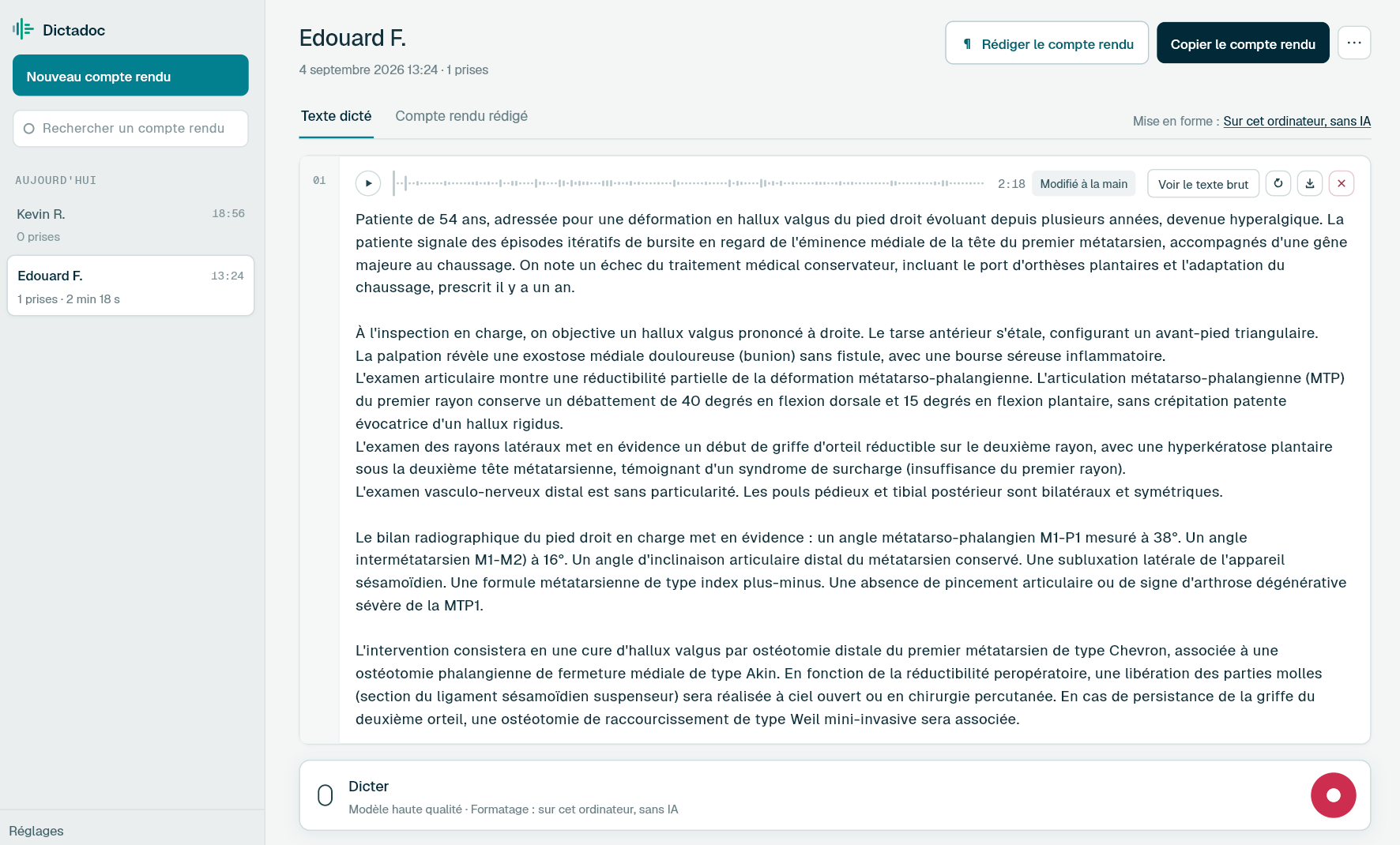
Dictadoc installs like any other macOS application and launches on its own. On Macs with Apple silicon, the transcription goes through the GPU using Metal. On Intel Macs it runs on the processor, and is therefore slower. One key starts a dictation from any application, and the macOS keychain holds the key to your reports.
- Dictation key
- Encrypted retention
What you fill in there
Where the text is written on a Mac
-
Your patient software
In the browser or in a desktop application, the text goes into the field where the cursor was.
-
Pages, Word and letters
A referral letter or a certificate is dictated in the word processor, with the paragraphs already laid out.
-
Dictadoc's own library
The reports you keep stay in an encrypted store on the Mac, with their recording, and are found again by title.
The limits
What to know beforehand
-
An Intel Mac transcribes more slowly
With no Apple silicon there is no Metal acceleration and the computing falls to the processor.
-
Nothing on iPhone or iPad
Dictadoc is a desktop application. To dictate on a home visit, record with your phone and import the file back at the practice.
-
macOS asks for two permissions
The microphone, and accessibility if you want the text written into your software. Both are granted in the system settings, and the second stays optional.
Common questions
Before you try it
Does Dictadoc make use of Apple silicon?
Yes. The application is universal and goes through the GPU using Metal on Macs with Apple silicon. It also runs on Intel Macs, on the processor, which makes it slower without stopping it from working.
Do I have to install Windows or a virtual machine?
No. Dictadoc is a native macOS application, installed like the others. Nothing runs in a virtual machine, and the same file suits Apple silicon and Intel Macs alike.
Which version of macOS is needed?
macOS 12 or later, on a Mac with Apple silicon as much as on an Intel Mac. The download page gives the requirements of each product, the standalone application as well as the server client.
The other pages
Your software, your computer
- Doctolib How Dictadoc writes into Doctolib's fields, with no connector, and what it does not do with your patient record.
- Weda How Dictadoc writes into Weda's forms, with no connector, and what it does not do with your record.
- Orbis (Agfa) How Dictadoc writes into Orbis's fields in a hospital, with no connector, and what it does not do with the record.
Dictate your next report with Dictadoc
Install the app on Mac or Windows, buy a licence, then enter the key you receive by email in Dictadoc. The licence year starts on the day you activate it.
€19.99 a year for one computer, with no automatic renewal. Buy a licence