 Français
 English
 Deutsch
 Italiano
 Español
Works with
Voice dictation in Weda
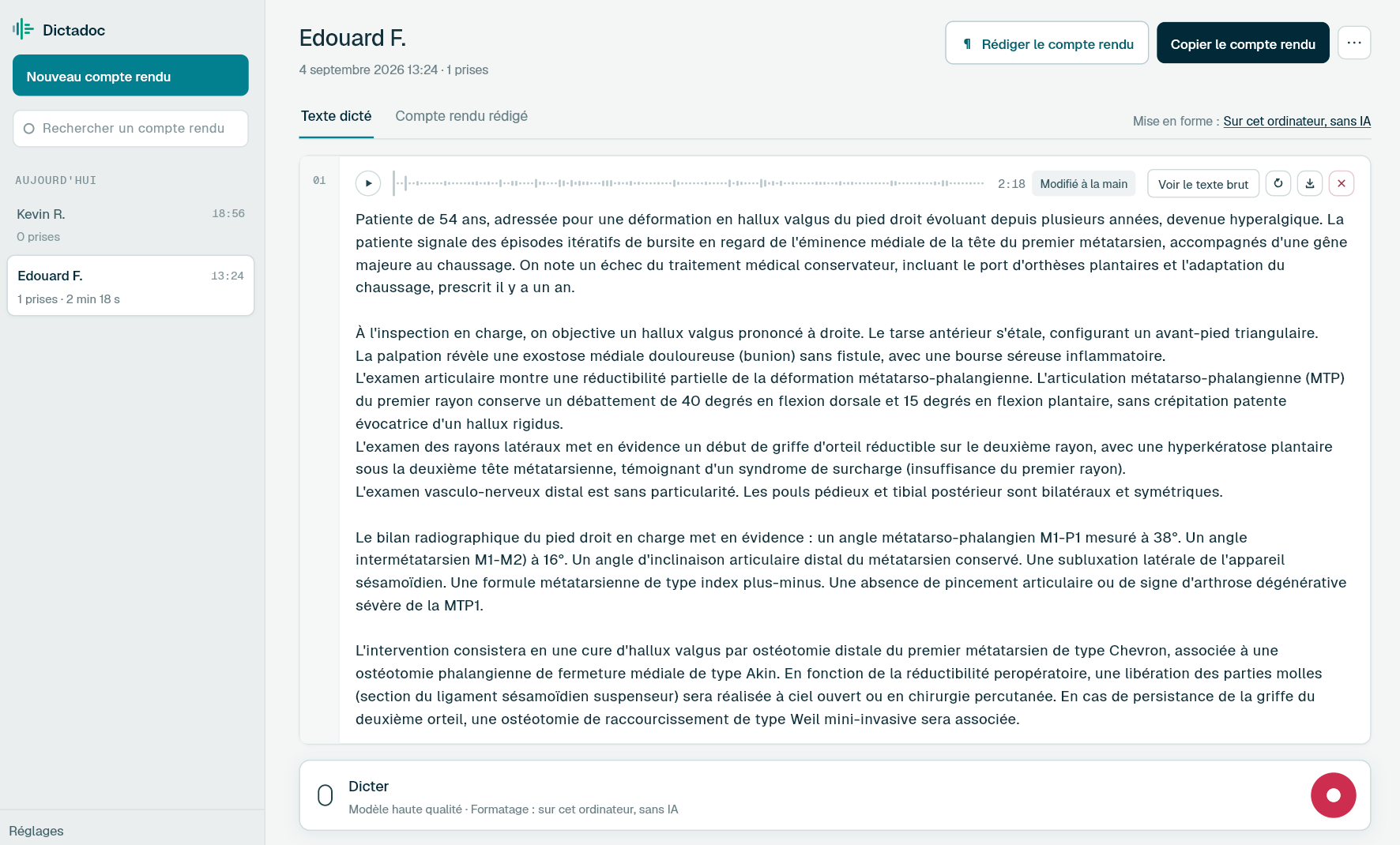
Press a key, dictate your consultation note, press again: the text is written into the Weda field you were filling in, without leaving the form.
- Consultation notes
- Lab results
- Letters
- Summary
€19.99 a year, with no automatic renewal.
The answer
The text is written without leaving the form
Dictadoc runs beside Weda and knows nothing about it. You leave the cursor in the field to fill in, press the dictation key, speak, then press again. Dictadoc then types the text out keystroke by keystroke, where the cursor was, so the form loses neither the focus nor what you have already filled in elsewhere.
- Dictation key
- Key-by-key typing
What you fill in there
What a day leaves to fill in
-
The consultation note
The examination and the plan, in the record. It is what you will read back at the next consultation, or what a locum will read in your place.
-
The comment on results
A few lines on a set of results, to say what has changed and what the patient should take from it.
-
The referral letter
The reason, the history, the current treatment and the question asked. It leaves with the patient, so it is written during the consultation.
-
The summary
History, allergies, treatments and current follow-up, updated before an admission or for the colleague standing in for you.
The limits
What Dictadoc does not do with Weda
-
No connector, no integration
Dictadoc is linked neither to Weda nor to your database. It reads no record, fills in no field for you and retrieves no patient data.
-
Writing into the field has to be turned on
It is off by default, because it types text into the active window. You turn it on in the settings once and for all.
-
A field that refuses typing refuses dictation
A few fields do not accept simulated typing. The text then stays in Dictadoc and you copy it, which works in every case.
For a group practice
Dictadoc Server transcribes for every workstation in the practice from one computer. Workstations need neither a graphics card nor internet access.
Common questions
Before you try it
Do I have to change anything in Weda?
No. Dictadoc installs nothing in Weda and asks it for no setting. It is a desktop application that writes into the active window, and Weda only ever sees typing on a keyboard.
Do my dictations leave my computer?
No. The transcription happens on your machine and nothing you dictate is sent over the internet. The reports you keep stay in an encrypted store, whose key is held by your system's keychain.
Can I dictate into a long field, such as the summary?
Yes, and you can do it in several goes. Each passage you dictate is added as a take to the same report, so you can pick up a summary started the day before and then write it into the field.
The other pages
Your software, your computer
- Doctolib How Dictadoc writes into Doctolib's fields, with no connector, and what it does not do with your patient record.
- Orbis (Agfa) How Dictadoc writes into Orbis's fields in a hospital, with no connector, and what it does not do with the record.
- Mac What Dictadoc asks of a Mac, what it does there, and what stays slower on Intel machines.
Dictate your next report with Dictadoc
Install the app on Mac or Windows, buy a licence, then enter the key you receive by email in Dictadoc. The licence year starts on the day you activate it.
€19.99 a year for one computer, with no automatic renewal. Buy a licence