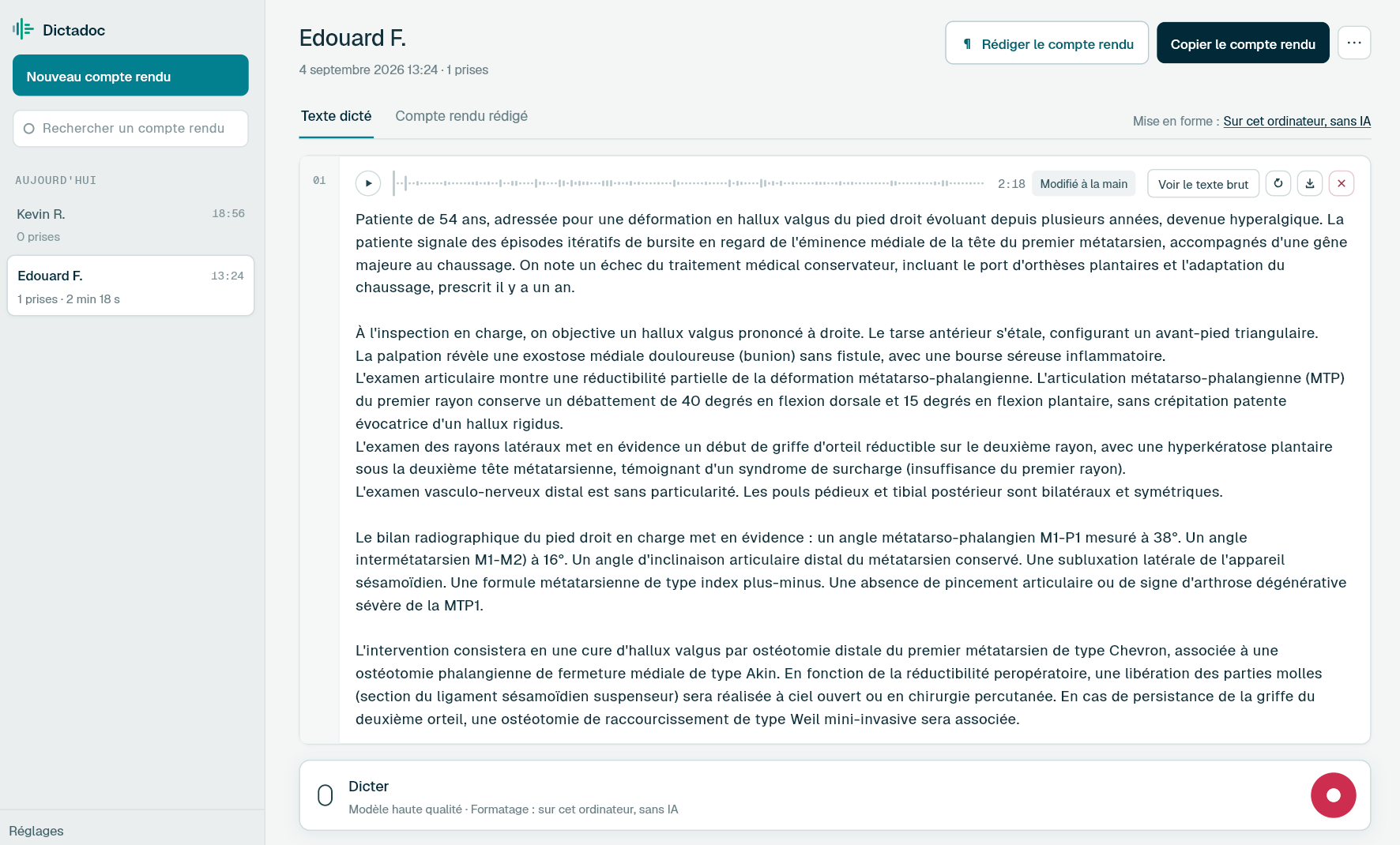
Dictate your notes as soon as the session ends, and your assessment reports when you have time. Dictadoc transcribes on your computer, can erase everything when you quit, and never summarises or rephrases what you dictate.
Some of what you write stays with you. Some goes to a doctor, a family or an organisation. All of it holds what a client shared in the room.
Session notes
The themes that came up, the client's own words, your hypotheses and what to come back to. You write them in the minutes after the session, before the next client arrives, and they are for you alone.
Psychological assessment report
Reason for referral, background, observations, test results, interpretation and recommendations. Several pages, written from your notes, record forms and scores, for the family, the school or the referring doctor.
Neuropsychological assessment report
For the neurologist or memory service that asked for it: the functions assessed, the results and what they mean for daily life. A long, technical document, often needed in time for a clinic appointment that is already booked.
Letters
A letter to the GP or a psychiatrist about an onward referral, or confirmation of attendance for a client who asks. A few lines, where you need to say enough without saying too much.
Day to day
What weighs on your notes
Notes that should not linger anywhere
Today
Session notes end up in a notebook in a drawer, or in files on a computer in a room you share with other practitioners. After a few months, you are no longer sure what is lying around, or where.
With Dictadoc
Choose to erase everything when you quit. Dictate your notes, copy what you want to keep into your records, then quit Dictadoc: reports, recordings and text are deleted. In the meantime, nothing you dictated has left the computer.
Erased when you quit
Transcribed on your computer
Rereading months of therapy without scattered files
Today
When therapy runs for several months, you reread earlier sessions before seeing the client. The notes sit in documents spread across the computer, and nobody thinks to delete them when therapy ends.
With Dictadoc
If you keep your notes, which Dictadoc does by default, reports are stored encrypted, with the key in the system keychain. You find them in a list grouped by day. Deleting a report removes it from the disk, not just from the list.
Encrypted retention
Report library
A session recounted in one go
Today
After the session, you dictate or type what comes back to you, in the order it comes. The text is one block, and at the next session you read through it looking for where each theme begins.
With Dictadoc
Dictadoc can break the text into paragraphs without changing your words. Unless you change it, the breaks come from what you dictate, which needs no AI and no download. The optional model, also installed on the computer, only decides where to break. Neither one summarises or rephrases your notes.
Paragraph layout
Dictation example
Notes dictated after a session
Psychological therapy session, with notes dictated before the next client arrives.
What you say
Session eight [full stop] she arrived early and went straight into the argument with her sister [full stop][new paragraph] she describes her anxiety as less overwhelming since going back to work [comma] but evening rumination continues [full stop] spoke about her father's death for the first time [comma] with a lot of emotion [full stop] she linked it to her difficulty asking for help [open parenthesis] first raised in session three [close parenthesis][full stop][new paragraph] grief and her place in the family to explore further [full stop][new line] next session in two weeks [full stop]
What Dictadoc writes
Session eight. She arrived early and went straight into the argument with her sister.
She describes her anxiety as less overwhelming since going back to work, but evening rumination continues. Spoke about her father's death for the first time, with a lot of emotion. She linked it to her difficulty asking for help (first raised in session three).
Grief and her place in the family to explore further.
Next session in two weeks.
The words in brackets are commands. Dictadoc replaces them with punctuation and line breaks.
The settings list every command for your language.
Privacy
What you dictate stays on your computer
Transcribed on your computer
Your computer transcribes your voice itself. Nothing you dictate is sent over the internet.
Erased on quit, if you want
Choose to keep nothing, and reports and recordings are erased when you quit Dictadoc.
Encrypted on your disk
The reports you keep stay in an encrypted database whose key is held by your system keychain.
For a group practice
Dictadoc Server transcribes for every workstation in the practice from one computer. Workstations need neither a graphics card nor internet access.
No, not on its own. The microphone only records during a dictation you have started. Dictadoc is not designed to record a session: it does not recognise who is speaking and does not write notes from a conversation. You dictate your notes once the client has left.
Does an AI read my notes?
Not outside your computer. The transcription models run locally, and your dictations stay on the computer. Paragraph layout works without AI by default. The optional layout model, if you install it, also runs on the computer and never rewrites a word.
Who can read my notes if I share the room?
If you erase everything on quit, nothing is left in Dictadoc once the application is closed. If you keep your notes, they are encrypted on the disk, but Dictadoc has no passcode of its own: anyone using your user account can open it. Keep an account in your own name, and lock it when you leave the room.
What happens if I quit Dictadoc without copying my notes?
If Dictadoc erases everything when it closes, they are gone: it keeps no copy. If you are worried about forgetting, go back to keeping reports, which is the default, and delete each report when therapy ends.
Are psychology terms transcribed correctly?
Not always. Dictadoc only rechecks the words it was unsure of, using a general medical list, and leaves the rest untouched. Nothing on that list is specific to psychology, so check test names and theoretical terms.
Install the app on Mac or Windows, buy a licence, then enter the key you receive by email in Dictadoc. The licence year starts on the day you activate it.
 Français
 English
 Deutsch
 Italiano
 Español