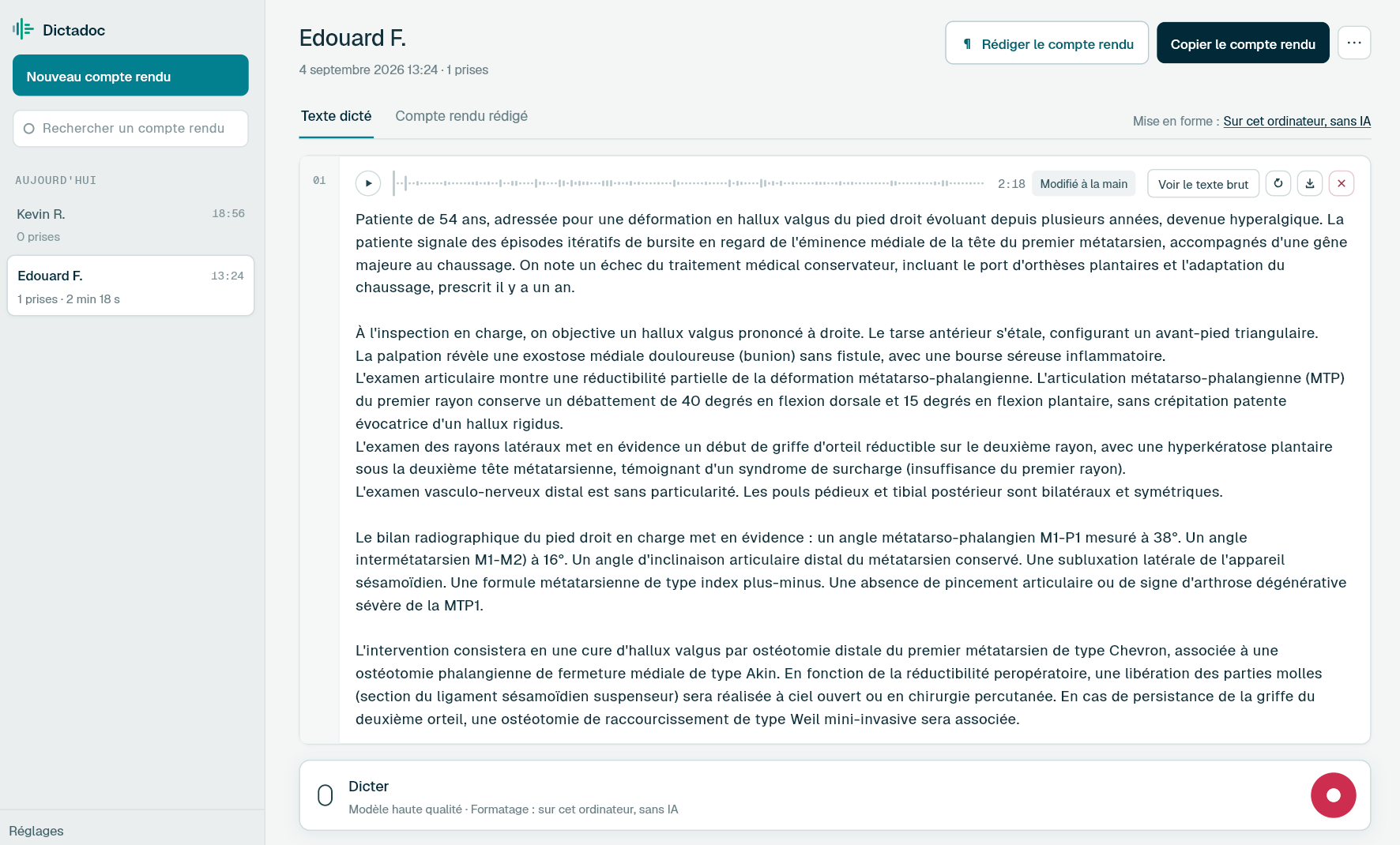
Dictate your findings from a small panel on screen, and the cataract note between patients. Everything happens on your computer: Dictadoc can type the text into your patient record, and it encrypts the reports it keeps.
Ophthalmology produces a great many short texts. They get written in a dim room or between operations, and they look alike from one patient to the next.
The clinic letter
Refraction, visual acuity, intraocular pressure, slit lamp and fundus examination, then the conclusion. It goes to the GP, the optometrist or the diabetes team, and a day of clinic leaves plenty of them.
The investigation report
Macular OCT, visual fields, angiography: what the investigation shows and what it changes for follow-up. You write it while looking at the images, and the next scan will be compared with it.
The cataract operation note
Anaesthesia, incisions, capsulorhexis, phacoemulsification, the lens implant and the end of the procedure. Cases follow one another through the morning, and the notes are so alike that the side and the lens need checking on each one.
The intravitreal injection record
Eye treated, drug injected, antisepsis and aftercare. Only a few lines, but repeated at every injection for a patient treated over many months, and an injection clinic lines up a long row of them.
Day to day
What gets in the way of an eye clinic
A darkened examination room
Today
You examine at the slit lamp with the lights down. To write the conclusion you turn the lights up, find the right window on screen and type, then dim the room again for the next patient.
With Dictadoc
Switch on the floating panel, a small panel that sits above the patient record: one click starts, pauses or sends the dictation, and whatever you type still goes into the record. Dictadoc also has a dark theme, which is less glaring in a dim room.
Floating panel
Display options
The conclusion copied into the record
Today
Refraction and pressures are often already entered in your patient software, but the conclusion and the letter get written elsewhere, then copied across. Between patients, that is one more window to open and one more paste to check.
With Dictadoc
Turn on text insertion and choose a dictation key. Click in the conclusion field, press the key and speak. At the end of the take, the text appears where you clicked, with no connector. When it cannot be written there, it waits for you in Dictadoc, with a message that says so.
Text typed into the field
Dictation key
A morning of cataracts to check
Today
A theatre morning runs one cataract after another, and the notes look alike. At the end of the list you have to make sure each one is written and check the side and the lens for every patient, wherever you left the texts.
With Dictadoc
By default, nothing is erased when Dictadoc closes. Each report stays in the list under that day, and a search by title finds the one you want. The database that holds them is encrypted, its key stays in the system keychain, and a report you delete is wiped from the disk.
Report library
Encrypted retention
Dictation example
A cataract operation note, between patients
Right cataract removed by phacoemulsification.
What you say
right eye under topical anaesthesia [full stop][new paragraph] temporal clear corneal incision of two point two millimetres [comma] viscoelastic injected [full stop] continuous curvilinear capsulorhexis of about five millimetres [comma] hydrodissection [full stop][new line] phacoemulsification of the nucleus [comma] cortical aspiration [full stop][new line] one-piece hydrophobic acrylic lens implanted in the bag [full stop][new paragraph] intracameral cefuroxime one milligram [open parenthesis] in zero point one millilitres [close parenthesis][full stop] wounds sealed without sutures [full stop][new line] antibiotic and steroid drops [comma] eye shield for the night [full stop]
What Dictadoc writes
Right eye under topical anaesthesia.
Temporal clear corneal incision of 2.2 mm, viscoelastic injected. Continuous curvilinear capsulorhexis of about 5 mm, hydrodissection.
Phacoemulsification of the nucleus, cortical aspiration.
One-piece hydrophobic acrylic lens implanted in the bag.
Intracameral cefuroxime 1 mg (in 0.1 mL). Wounds sealed without sutures.
Antibiotic and steroid drops, eye shield for the night.
The words in brackets are commands. Dictadoc replaces them with punctuation and line breaks.
With the "Numbers, units and dosages" setting turned on.
The settings list every command for your language.
Privacy
What you dictate stays on your computer
Transcribed on your computer
Your computer transcribes your voice itself. Nothing you dictate is sent over the internet.
Erased on quit, if you want
Choose to keep nothing, and reports and recordings are erased when you quit Dictadoc.
Encrypted on your disk
The reports you keep stay in an encrypted database whose key is held by your system keychain.
For a group practice
Dictadoc Server transcribes for every workstation in the practice from one computer. Workstations need neither a graphics card nor internet access.
No, they stay in words. "Numbers, units and dosages" converts millimetres, millimetres of mercury, milligrams and millilitres, but neither dioptres nor microns. A pressure dictated in millimetres of mercury therefore becomes digits, while a refraction, an acuity, a lens power or a macular thickness stays in words.
Does Dictadoc recognise ophthalmic vocabulary?
Transcription covers everyday medical vocabulary. If a word leaves the engine in doubt, Dictadoc looks for the nearest medical term in a list that was not designed around the eye. It does not learn your voice.
Can I dictate while the patient is at the slit lamp?
Yes, if you can free a hand for a moment. A press on your dictation key or a click on the floating panel starts recording, and another sends it. Dictadoc transcribes what you dictate: it cannot tell your voice from the patient's, and it does not turn a conversation into a note. Start dictating to describe the examination, and stop when you talk to the patient.
Can the text fill in the fields of my ophthalmology software?
One field at a time. Dictadoc writes into the field that has the cursor, as if you were typing, with no connector or integration. It does not spread a refraction or a pressure across the fields meant for them. If some software will not accept pasted text, choose typing in the settings, and the text goes in key by key.
Can the optometrist in my clinic use my licence?
Yes, if they dictate on the same computer as you: the licence belongs to a computer, not to a person. If they work on another computer, that one needs its own licence, because a licence cannot be transferred.
Install the app on Mac or Windows, buy a licence, then enter the key you receive by email in Dictadoc. The licence year starts on the day you activate it.
 Français
 English
 Deutsch
 Italiano
 Español