 Français
 English
 Deutsch
 Italiano
 Español
Works with
Voice dictation in Orbis
Dictate the operative report or the discharge letter, and the text is written where the cursor was. Nothing leaves the hospital, because the transcription happens on site.
- Operative report
- Discharge letter
- Admission notes
- Emergency department
€19.99 a year, with no automatic renewal.
The answer
One key, and the text is written on the workstation
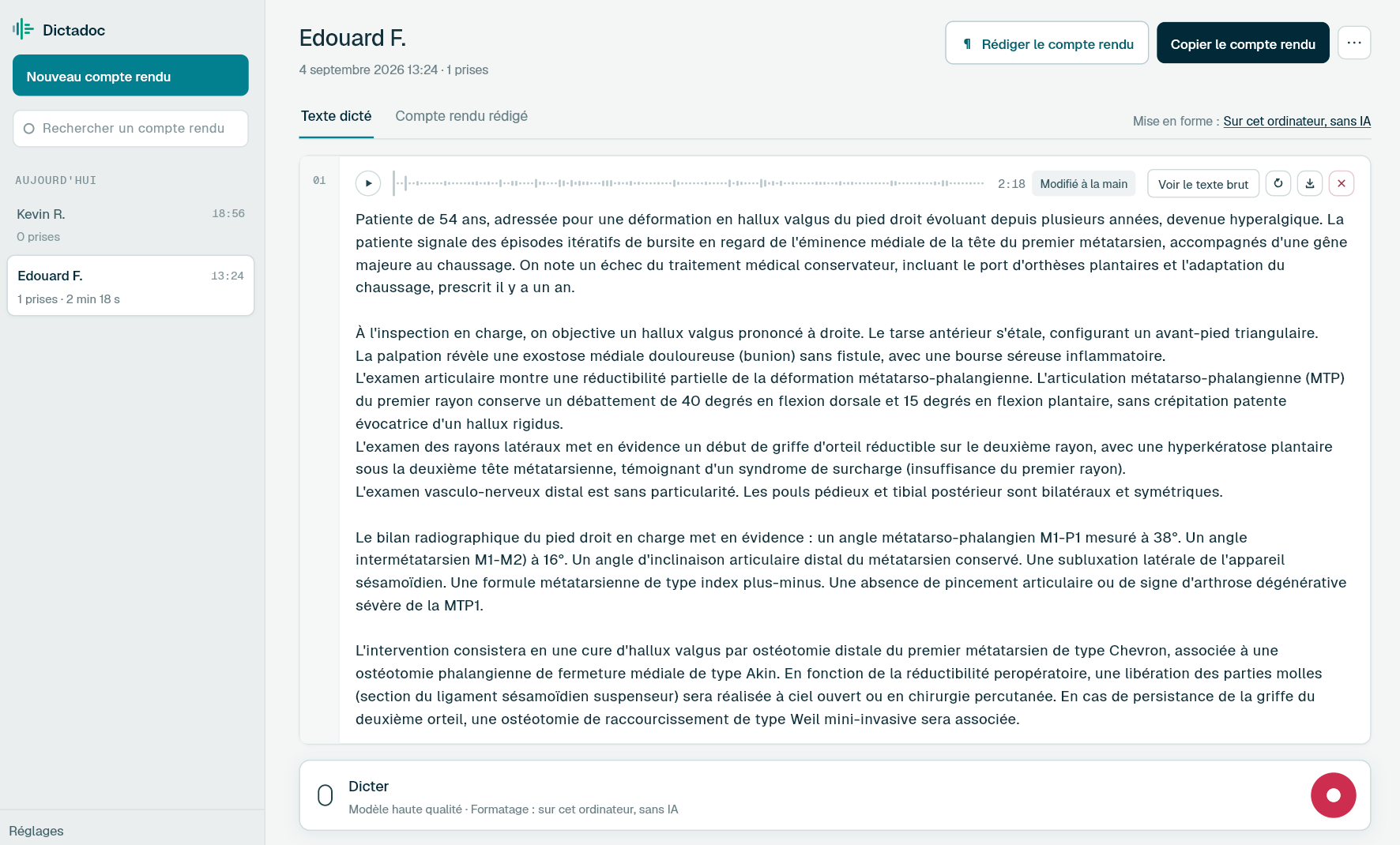
Dictadoc runs on the workstation, beside Orbis, and knows nothing about it. You leave the cursor in the field, press the dictation key, speak, then press again. The text is then typed out where the cursor was. In a hospital, Dictadoc Server transcribes for every workstation from one machine installed on your own network.
- Dictation key
- Dictadoc Server
What you fill in there
What a ward leaves to write
-
The operative report
The positioning, the approach, the procedure and the immediate aftermath. It is written just after theatre, while the details are fresh.
-
The discharge letter
The reason for admission, what was done, the discharge medication and the follow-up. It leaves with the patient, so it cannot wait.
-
The admission note
History, admission examination and working diagnosis, dictated at the bedside or at the nurses' station.
-
The emergency attendance
Reason, examination, investigations requested and where the patient goes next, to be written between patients when the department does not empty.
The limits
What Dictadoc does not do with Orbis
-
No connector, no interface
Dictadoc is linked neither to Orbis nor to the hospital systems. It reads no record, speaks neither HL7 nor DICOM and fills in no structured field for you.
-
Nothing installed without your IT department
Dictadoc installs like an application, which needs the hospital's installation rights. The server installation page says what the IT department has to do.
-
Writing into the field has to be turned on
It is off by default, because it types text into the active window. Without it, the text stays in Dictadoc and is copied across.
For a clinic or hospital
Dictadoc Server transcribes for every workstation in your organisation, on a server on your premises. Nothing leaves your network.
Common questions
Before you try it
Do I need the IT department's agreement?
To install Dictadoc on a hospital workstation, yes, as for any application. For Dictadoc Server, the installation happens on a machine on your own network, and the installation page describes what it asks for.
Do dictations leave the hospital network?
No. The transcription happens on the workstation, or on the server you have installed. Nothing dictated goes over the internet, and the workstations need no connection in order to dictate.
Can several doctors share one machine?
Dictadoc is installed per computer and follows the session of whoever opens it. For a whole ward, Dictadoc Server transcribes for every workstation from a single machine, which saves fitting each one with a graphics card.
The other pages
Your software, your computer
- Doctolib How Dictadoc writes into Doctolib's fields, with no connector, and what it does not do with your patient record.
- Weda How Dictadoc writes into Weda's forms, with no connector, and what it does not do with your record.
- Mac What Dictadoc asks of a Mac, what it does there, and what stays slower on Intel machines.
Dictate your next report with Dictadoc
Install the app on Mac or Windows, buy a licence, then enter the key you receive by email in Dictadoc. The licence year starts on the day you activate it.
€19.99 a year for one computer, with no automatic renewal. Buy a licence