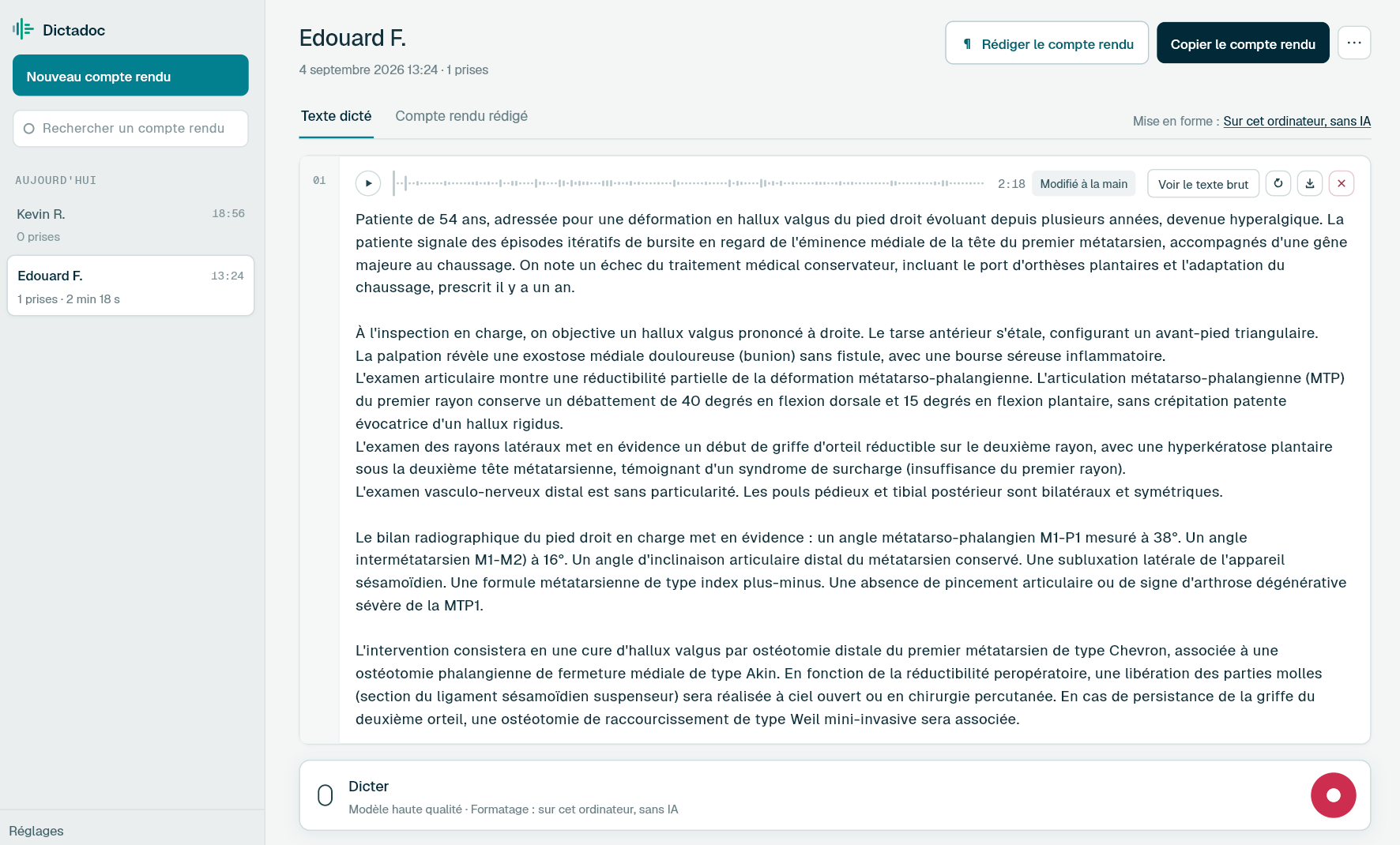
Dictate the scan report before the patient has left the room, and the clinic letter during the consultation. Dictadoc transcribes your voice on your computer, writes measurements in digits when that option is on, and keeps each report in an encrypted database unless you choose to erase everything on close.
Clinic, the scan room and theatre produce different documents. Some are handed to the patient at the end of the appointment, others go to a colleague.
The obstetric scan report
Biometry, estimated fetal weight, placenta, amniotic fluid and fetal anatomy. It is handed to the patient at the end of the scan while the next woman waits, and it follows the pregnancy to the maternity unit.
The pelvic ultrasound report
Size of the uterus, endometrial thickness, ovaries, a cyst or a fibroid measured in several planes. A short scan, but a series of figures that must not be swapped.
The clinic letter
To the GP or the colleague who referred the patient: contraception, fertility investigations, menopause, follow-up after abnormal cervical screening. It is often written after clinic, once the waiting room has emptied.
The operation note
Hysteroscopy, laparoscopy, LLETZ or caesarean section. It records the findings, the procedure and the post-operative plan, and it is written on leaving theatre, often before the next case.
Day to day
What delays your gynaecology reports
Biometry checked value by value
Today
A scan is dictated with figures everywhere: endometrial thickness, cyst size, biparietal diameter, femur length, estimated weight. A standard dictation program writes some of them in words, and every value is read again before the report goes to the patient.
With Dictadoc
Turn on "Numbers, units and dosages" so that "fifty-four millimetres" is written "54 mm" and "four hundred and seventy grams" becomes "470 g". Dictadoc calculates nothing: it writes the values you dictate, and you read them through.
Numbers, units and dosages
The letter written after the patient has left
Today
During the consultation, the examination and the explanations come before the letter to the GP. It is left for the end of the day, or typed up later from a few handwritten notes.
With Dictadoc
In the settings, switch on text insertion, then put the cursor in the patient's record and dictate the examination and the plan. Once transcribed, the text is written there as if you had typed it, and you choose whether it is laid out in paragraphs. No connector is needed.
Text typed into the field
Paragraph layout
Consultations about intimate matters
Today
A request for a termination, a sexually transmitted infection, fertility investigations: what you dictate in gynaecology is among the most sensitive information in the record. On a computer shared within a practice, a recording left behind raises questions.
With Dictadoc
At first launch, you can choose to erase everything on close: reports and recordings disappear when you quit Dictadoc, and you can change that choice in the settings later. Whatever you choose, your voice is transcribed on the computer and never goes over the internet.
Erased when you quit
Transcribed on your computer
Dictation example
A second-trimester scan, dictated at the end of the examination
Pregnancy at 22 weeks, follow-up scan in clinic.
What you say
Single live intrauterine pregnancy [full stop] regular fetal heart activity [comma] fetal movements seen [full stop][new paragraph] biometry [colon][new line] biparietal diameter fifty-four millimetres [comma] head circumference two hundred and four millimetres [full stop][new line] abdominal circumference one hundred and seventy-eight millimetres [comma] femur length thirty-eight millimetres [full stop][new line] estimated fetal weight four hundred and seventy grams [full stop][new paragraph] anterior placenta [comma] not low-lying [full stop] normal amniotic fluid volume [full stop] no fetal anomaly seen in the structures examined [full stop]
What Dictadoc writes
Single live intrauterine pregnancy. Regular fetal heart activity, fetal movements seen.
Biometry:
Biparietal diameter 54 mm, head circumference 204 mm.
Abdominal circumference 178 mm, femur length 38 mm.
Estimated fetal weight 470 g.
Anterior placenta, not low-lying. Normal amniotic fluid volume. No fetal anomaly seen in the structures examined.
The words in brackets are commands. Dictadoc replaces them with punctuation and line breaks.
With the "Numbers, units and dosages" setting turned on.
The settings list every command for your language.
Privacy
What you dictate stays on your computer
Transcribed on your computer
Your computer transcribes your voice itself. Nothing you dictate is sent over the internet.
Erased on quit, if you want
Choose to keep nothing, and reports and recordings are erased when you quit Dictadoc.
Encrypted on your disk
The reports you keep stay in an encrypted database whose key is held by your system keychain.
For a group practice
Dictadoc Server transcribes for every workstation in the practice from one computer. Workstations need neither a graphics card nor internet access.
Does Dictadoc recognise gynaecology and obstetric terms?
Common medical words are transcribed as they are. If the engine doubts a word, Dictadoc looks it up in a medical list that is not specific to gynaecology, and anything it heard clearly stays untouched. Read rarer terms through.
Are gestational age and centiles written as numbers?
No. With "Numbers, units and dosages", a unit has to follow the number: "thirty-eight millimetres" becomes "38 mm". Weeks of gestation, days, centiles and numbers dictated on their own stay in words.
Can I print the report for the patient from Dictadoc?
No, Dictadoc does not print or create PDFs. Copy the report into Word, where it keeps its paragraphs and lists, and print it from there. With text insertion switched on, the text can also go straight into your clinical software.
Can I dictate the scan in front of the patient?
Yes. Dictadoc transcribes whatever the microphone picks up during the take, without telling voices apart: if the patient speaks at the same time, her words may appear in the transcription. Pause while you answer her, then carry on.
Can I find the first scan again at the next one?
Yes, as long as you keep your reports, which is the default setting. They are listed by day, and the search looks at titles, not at the text: give each scan a title you will recognise.
Install the app on Mac or Windows, buy a licence, then enter the key you receive by email in Dictadoc. The licence year starts on the day you activate it.
 Français
 English
 Deutsch
 Italiano
 Español