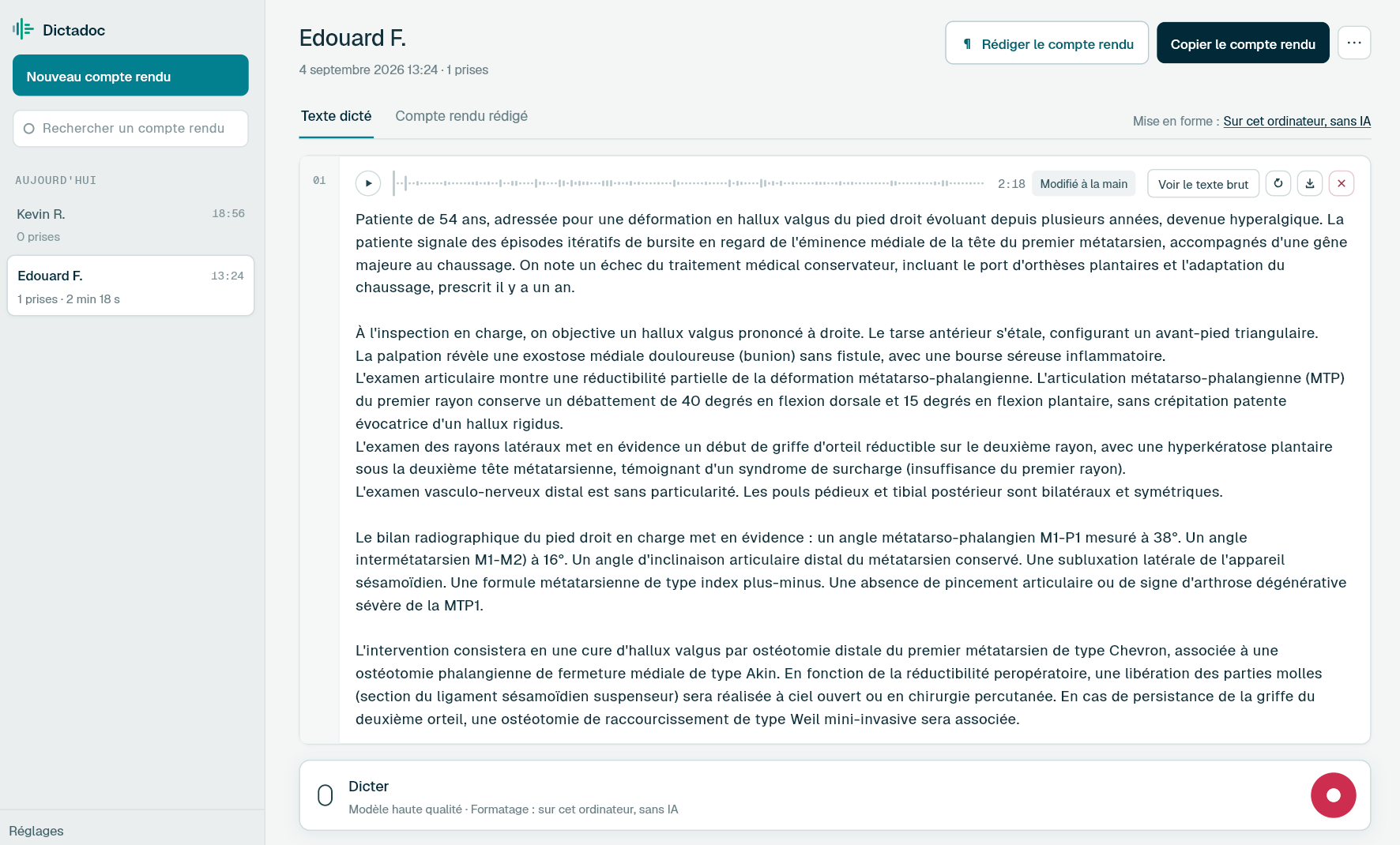
Describe the lesion as you put the dermatoscope down, and dictate the excision note before you close the record. Everything is transcribed on your computer. Dictadoc can write sizes in millimetres and put the text in the field where your cursor was.
A dermatology day alternates between skin examinations, dermoscopy and minor surgery. The documents are short but many, and nearly all of them contain a size and a site that have to be right.
The lesion description
Site, size, colour, shape, border and dermoscopic features. It is written during the consultation, sometimes for several lesions on the same patient, and the next check is compared against it.
The excision note
Anaesthetic, margins, size of the ellipse, closure and orientation of the specimen. It is written straight after the procedure, between two patients, and has to match what the laboratory receives.
The histology request
The site, the clinical description and the differential diagnosis, for the pathologist who will examine the specimen. A few lines that are often all they will ever know about the lesion.
The letter to the GP
The histology result, the diagnosis and what happens next: re-excision, monitoring or topical treatment. It goes out once the result is back, some time after the consultation.
Day to day
What slows down your dermatology notes
Sizes and margins that must be right
Today
A lesion description is a row of measurements: diameter, margins, length of the ellipse. Typed between two patients, or dictated into a tool that writes them in words, each one needs checking, and a wrong size follows the lesion to its next review.
With Dictadoc
Turn on the "Numbers, units and dosages" setting. Dictate "seven millimetres" and Dictadoc writes "7 mm", dictate "three centimetres" and it writes "3 cm". A number dictated with no unit is not converted. Read every measurement: Dictadoc checks nothing.
Numbers, units and dosages
The record open, the dermatoscope in your hand
Today
You examine the skin, go back to the desk, look for the dictation window, then return to the record. During a full skin check, that back and forth repeats for every lesion, and the cursor has to be put back each time.
With Dictadoc
Turn on the floating panel, which stays visible above your clinical software. From it you start, pause and send the dictation while the keyboard stays with the record. Pause while you examine the next lesion, then carry on to describe it.
Floating panel
Dictation in several takes
The description to copy into the record
Today
Text dictated in another tool has to be copied, then pasted into the right field of the record, lesion after lesion. Between patients, all that copying and pasting often waits until the end of the day.
With Dictadoc
If you turn it on, the text is written at the end of each take into the field where your cursor was, with no connector. You choose the window that receives it. When writing fails, the text is not lost: it stays in the report, and Dictadoc tells you.
Text typed into the field
Dictation example
An excision note, dictated after the procedure
Excision of a pigmented lesion on the back, new since the last check.
What you say
Pigmented lesion over the left scapula [full stop] asymmetric brown macule measuring seven millimetres in its longest axis [comma] with irregular borders [full stop] dermoscopy shows an atypical pigment network [open parenthesis] new since the last check [close parenthesis][full stop][new paragraph] excised under local anaesthetic with two millimetre margins [full stop] ellipse of thirty-five millimetres orientated along the skin tension lines [full stop][new line] closed in two layers with interrupted sutures [full stop][new paragraph] specimen marked with a suture at the superior pole [comma] sent for histology [full stop] wound care advice given [comma] sutures to be removed by the practice nurse in ten days [full stop]
What Dictadoc writes
Pigmented lesion over the left scapula. Asymmetric brown macule measuring 7 mm in its longest axis, with irregular borders. Dermoscopy shows an atypical pigment network (new since the last check).
Excised under local anaesthetic with 2 mm margins. Ellipse of 35 mm orientated along the skin tension lines.
Closed in two layers with interrupted sutures.
Specimen marked with a suture at the superior pole, sent for histology. Wound care advice given, sutures to be removed by the practice nurse in ten days.
The words in brackets are commands. Dictadoc replaces them with punctuation and line breaks.
With the "Numbers, units and dosages" setting turned on.
The settings list every command for your language.
Privacy
What you dictate stays on your computer
Transcribed on your computer
Your computer transcribes your voice itself. Nothing you dictate is sent over the internet.
Erased on quit, if you want
Choose to keep nothing, and reports and recordings are erased when you quit Dictadoc.
Encrypted on your disk
The reports you keep stay in an encrypted database whose key is held by your system keychain.
For a group practice
Dictadoc Server transcribes for every workstation in the practice from one computer. Workstations need neither a graphics card nor internet access.
Recognition covers common medical terms. For a doubtful word, Dictadoc checks a medical vocabulary that was not built for dermatology, and it leaves words heard clearly alone. Add the dermoscopy terms it gets wrong to your vocabulary, and the drugs you prescribe too: the dermatology drug list only works when you dictate in French.
Can photos of the lesion be attached to the report?
No. A Dictadoc report holds text and the recordings of your takes, nothing else. Clinical and dermoscopic photos stay in the software you take them with, and your description joins them there if you have it written into the record.
Does the text go to the right place if I switch windows during transcription?
You choose. By default, the text is written where the dictation started, even if you have opened another window since. You can also have it written into whichever window is in front when it arrives. If it cannot be written, it stays in Dictadoc and you are told.
Can Dictadoc fill in the histology request form?
No. Dictadoc has no request templates and no link to the laboratory, and it does not print. Dictate the clinical details, then copy them into the request you fill in on the computer, or have them written straight into its field if writing into the active application is on.
Install the app on Mac or Windows, buy a licence, then enter the key you receive by email in Dictadoc. The licence year starts on the day you activate it.
 Français
 English
 Deutsch
 Italiano
 Español